
5 eCommerce Platform Migration Mistakes That Cripple Your Business (And How to Avoid Them)
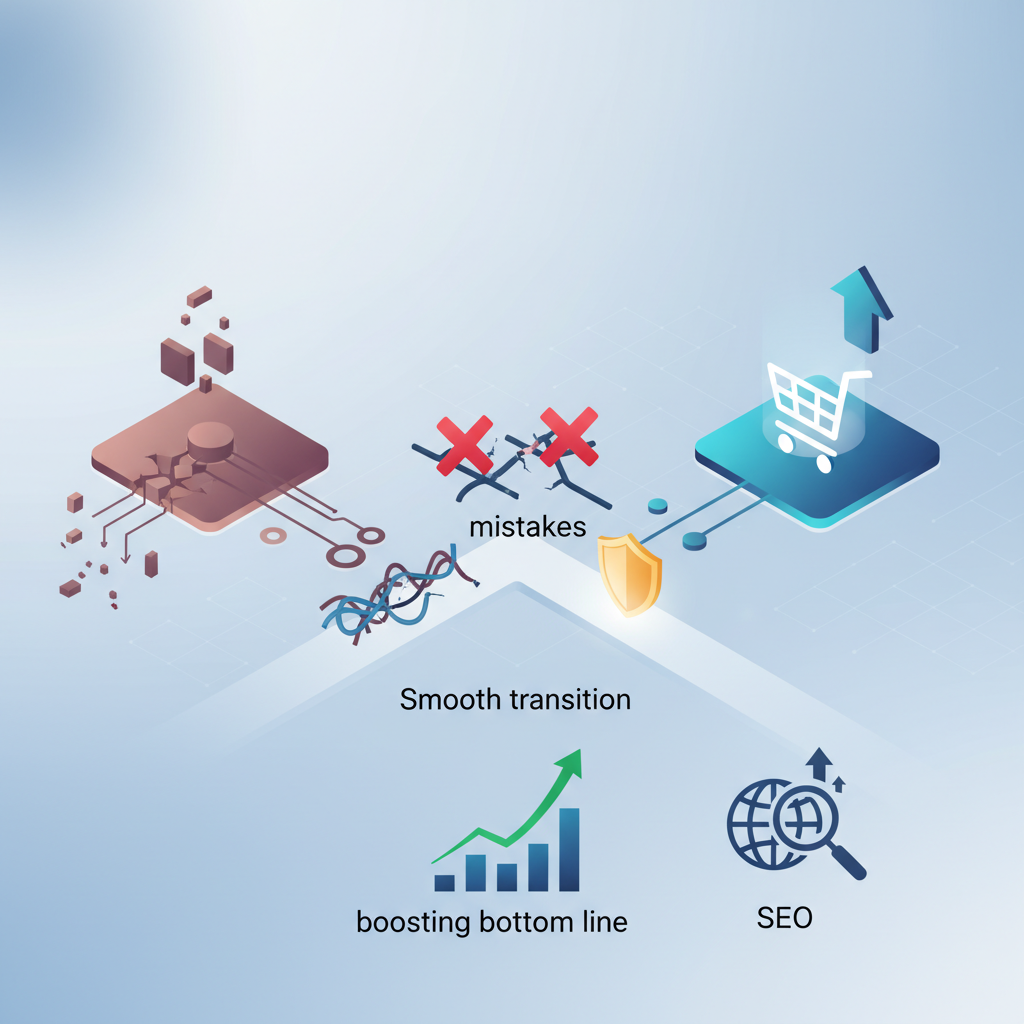
5 eCommerce Platform Migration Mistakes That Cripple Your Business (And How to Avoid Them)
Migrating your eCommerce platform can feel like a huge undertaking. The main goal? To improve the customer's shopping experience. But it's also a high-stakes move. Handle it poorly, and you risk losing revenue, tanking your SEO, and damaging your brand. This guide will help eCommerce managers avoid common pitfalls and ensure a smooth platform transition.
Sound familiar?
Why eCommerce Platform Migration Mistakes Matter
Migrating your eCommerce platform isn't just a technical change; it's a strategic move that impacts your entire business. A successful migration can lead to increased sales, a better customer experience, and more efficient operations. The opposite? Significant losses.
Consider these numbers:
- Up to 70% of eCommerce businesses see a drop in organic traffic after a platform migration. Search Engine Journal
- Around 25% of eCommerce migrations fail to meet their projected ROI. eCommerce Guide
- Roughly 30% of online shoppers will abandon a purchase if the checkout process is too complicated or takes too long. Baymard Institute
These statistics highlight how important a well-planned and executed migration strategy is. The potential consequences of errors are significant.
Mistake #1: Ignoring SEO During the Migration
One of the most common and costly mistakes is neglecting SEO during the migration process. Search engine optimization is a crucial component of driving organic traffic to your eCommerce site. When migrating platforms, it's essential to maintain your current SEO ranking.
What is SEO? SEO, or Search Engine Optimization, is the practice of optimizing a website to rank higher in search engine results. This involves many factors including keyword research, technical SEO, content creation, and link building.
Failing to properly handle redirects, meta descriptions, and other SEO elements can lead to a significant drop in organic traffic, which can negatively impact sales.
The Fix:
- Conduct a thorough SEO audit before the migration. Identify all critical SEO elements, including URLs, meta descriptions, title tags, internal links, and image alt tags.
- Create a detailed URL mapping plan. Ensure that all old URLs are properly redirected to their new counterparts on the new platform. 301 redirects are essential for passing link equity.
- Maintain or improve existing content. Ensure all content is transferred and optimized on the new platform. If content needs to be updated, do so before launch.
- Monitor your rankings closely. After the migration, track your keyword rankings and traffic to identify any issues quickly.
Mistake #2: Underestimating Data Migration Complexity
Data migration is a critical aspect of any platform migration. This involves transferring customer data, product catalogs, order history, and other essential information from your old platform to the new one. Underestimating the complexity of this process can lead to data loss, corruption, and inaccuracies, all of which can damage customer trust and operational efficiency.
Data migration is the process of transferring data from one system to another. This can involve exporting data from the old platform, transforming it to fit the new platform's format, and importing it into the new system.
The Fix:
- Plan the data migration meticulously. Define all data fields, map them to the new platform, and identify any data cleansing requirements.
- Choose the right migration method. Consider manual data entry, automated tools, or a combination of both. Choose the method that best suits your needs and resources.
- Test the data migration thoroughly. Before the final migration, perform multiple test runs to identify and resolve any issues. Verify that all data has been transferred accurately and completely.
- Back up your data. Ensure a backup of all data is created before, during, and after migration.
Mistake #3: Neglecting Website Speed and Performance
Website speed and performance are critical factors in the success of any eCommerce store. Slow loading times can lead to a high bounce rate, low conversion rates, and a negative customer experience. When migrating platforms, it's essential to ensure that the new platform is optimized for speed and performance.
Website speed is the time it takes for a webpage to load. Fast loading times are essential for a good user experience and can also improve SEO rankings.
The Fix:
- Choose a platform optimized for speed. Select a platform with a fast server response time, efficient code, and optimized images.
- Optimize images. Compress images without sacrificing quality and use appropriate image formats.
- Minimize HTTP requests. Reduce the number of files the browser needs to download to load a page.
- Use a content delivery network (CDN). Distribute your content across multiple servers to reduce loading times for users worldwide.
Mistake #4: Failing to Test the New Platform Thoroughly
Comprehensive testing is crucial before launching your new eCommerce platform. Failing to test the platform properly can lead to a variety of issues, including broken links, payment processing errors, and a poor user experience. It's essential to test all aspects of the platform, from the front-end user interface to the back-end administrative functions.
Testing is the process of evaluating the functionality of a system. This involves checking for errors, bugs, and other issues that could impact the user experience.
The Fix:
- Develop a detailed testing plan. Outline all the areas you need to test, including functionality, usability, performance, and security.
- Perform thorough testing. Test all features and functionalities of the new platform, including product browsing, shopping cart, checkout process, and payment gateway integration.
- Test on different devices and browsers. Ensure your website works correctly on various devices (desktops, tablets, and smartphones) and browsers (Chrome, Firefox, Safari, etc.).
- Get feedback from users. Allow a select group of users to test the platform and provide feedback on their experience.
Mistake #5: Lack of Communication and Training
Poor communication and a lack of training can lead to confusion, frustration, and ultimately, a failed migration. It's essential to keep all stakeholders informed throughout the migration process and provide adequate training on the new platform.
Communication is the process of conveying information between individuals or groups. Effective communication ensures that everyone is on the same page and that potential issues are addressed promptly.
The Fix:
- Communicate regularly with all stakeholders. Keep your team, customers, and other relevant parties informed about the migration progress, timelines, and any potential disruptions.
- Provide comprehensive training. Offer training sessions on the new platform's features, functionality, and administrative processes.
- Create user guides and documentation. Develop detailed user guides and documentation to help users navigate the new platform.
- Offer ongoing support. Provide ongoing support to address any questions or issues that arise after the migration.
Prevention Checklist
To avoid these common platform migration mistakes, follow this checklist:
- Conduct a pre-migration audit: Evaluate your current platform, identify its strengths and weaknesses, and define your migration goals.
- Choose the right platform: Select a platform that meets your business needs and future growth plans.
- Plan the migration meticulously: Create a detailed migration plan that outlines the scope, timeline, and resources required.
- Prioritize SEO: Ensure you maintain your SEO rankings during the migration.
- Migrate data accurately: Plan and test your data migration process thoroughly.
- Optimize website speed: Choose a fast and efficient platform and optimize your website for speed.
- Test rigorously: Perform comprehensive testing before launching the new platform.
- Communicate effectively: Keep all stakeholders informed throughout the migration process.
- Provide training and support: Offer training and ongoing support to ensure a smooth transition.
By following this checklist, eCommerce managers can significantly reduce the risk of migration errors and ensure a successful platform transition.
Ultimately
Platform migration is complex but necessary for eCommerce businesses. By avoiding these five common mistakes and following the prevention checklist, eCommerce managers can ensure a smooth transition and set their businesses up for success on their new platform. Remember to prioritize SEO, data integrity, website speed, thorough testing, and effective communication throughout the process. A successful migration can get you new opportunities for growth, improve the customer experience, and boost your bottom line.
As you embark on your platform migration journey, consider using tools like CRO Benchmark to assess your website's performance and identify areas for improvement. CRO Benchmark provides an AI-driven conversion optimization audit that analyzes 250+ criteria across your eCommerce store, uncovering conversion leaks and delivering actionable insights to optimize your new platform.
By combining strategic planning with data-driven insights, you can navigate the complexities of platform migration and achieve your eCommerce goals.
Actionable Takeaways:
- Conduct a Pre-Migration Audit: Understand your current platform's strengths and weaknesses.
- Prioritize SEO: Create a detailed URL mapping plan to maintain your search rankings.
- Test Thoroughly: Test all features and functionalities before launch.
- Communicate Clearly: Keep stakeholders informed throughout the migration process.