
Payment Flow Optimization for eCommerce Beginners: A Comprehensive Guide
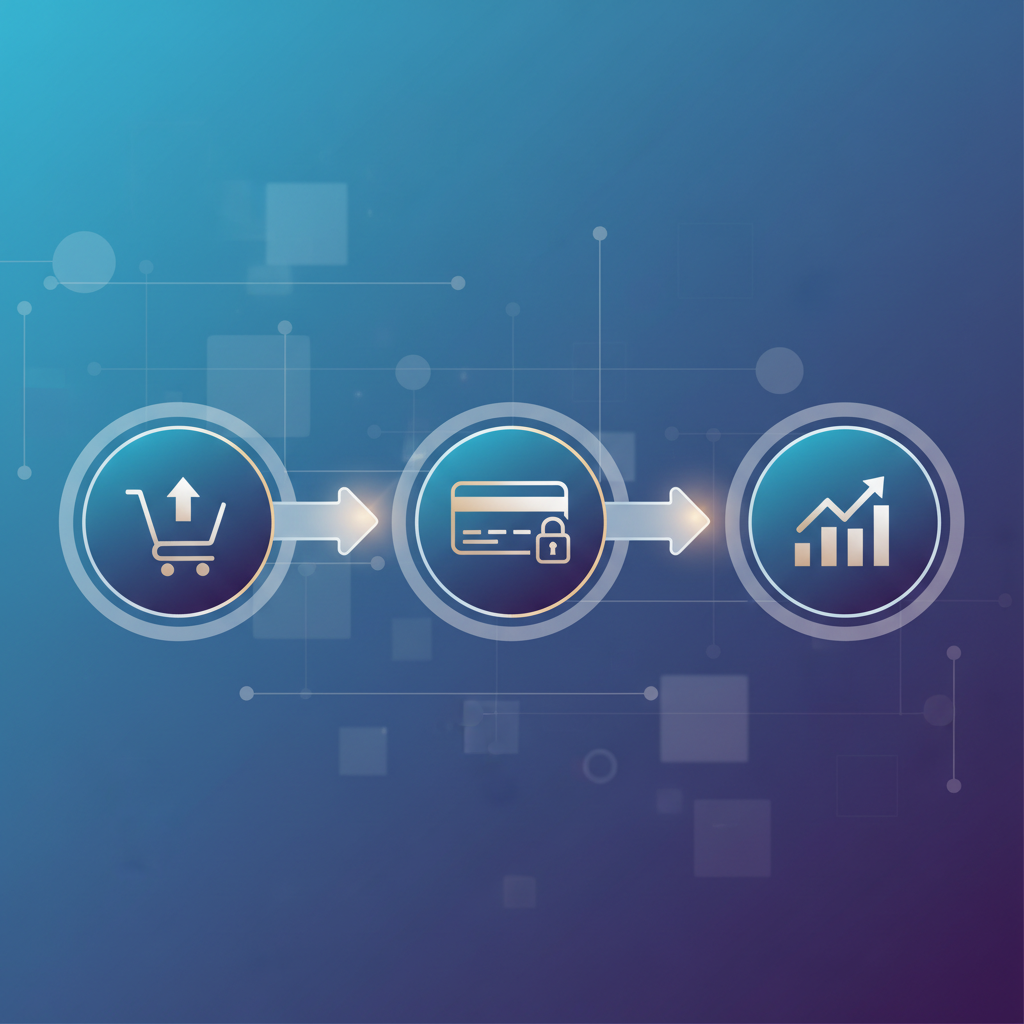
Are you losing customers right before they pay? Poor payment flow is a silent killer for eCommerce businesses, and it's a problem many online stores face. Sound familiar? It's a critical part of the user experience and can make or break your bottom line. This guide is designed for eCommerce beginners who want to understand and improve their payment flow.
Who This Is For
This guide is for anyone new to eCommerce or looking to optimize their online store's checkout process. If you're:
- A new eCommerce business owner: You're just starting out and want to set up your store for success from the beginning.
- A marketing professional: You're looking to improve conversion rates and customer experience.
- A UX/UI designer: You want to learn the best practices for payment flow design.
- Anyone struggling with high cart abandonment rates: You know something's wrong with your checkout process.
This guide will help you get the essential knowledge and actionable steps to create a seamless and effective payment flow.
The Basics: Understanding Payment Flow
Payment flow refers to the series of steps a customer takes to complete a purchase on your website, from adding an item to their cart to receiving order confirmation. A well-designed payment flow is crucial for a positive customer experience and, ultimately, higher conversion rates. A poorly designed one can lead to frustration, abandoned carts, and lost revenue.
Several factors can impact payment flow. These include:
- Ease of use: Is the process straightforward and intuitive?
- Security: Does the customer feel safe entering their payment information?
- Trust: Does the website build confidence and credibility?
- Speed: Is the checkout process fast and efficient?
- Mobile-friendliness: Does the payment flow work well on all devices?
Consider this quote from a Reddit user discussing payment flow design:
"redesigning our payment flow because current one has terrible completion rate" comparing payment flow design across stripe shopify square and here's what converts
This highlights a common problem many eCommerce businesses face. It's not just about offering a payment option; it's about providing a smooth and secure experience.
First Steps: Optimizing Your Payment Flow
Improving your payment flow isn't rocket science, but it takes careful planning and execution. Here are the essential first steps:
- Simplify the Process:
- Reduce the number of steps: Aim for a checkout process with as few steps as possible. Every extra click is an opportunity for a customer to abandon their cart.
- Minimize form fields: Only ask for the essential information. Unnecessary fields can create friction.
- Offer guest checkout: Allow customers to check out without creating an account. This reduces friction for one-time buyers.
- Provide Clear Instructions:
- Use clear and concise language: Avoid jargon and technical terms.
- Highlight required fields: Make it obvious which fields need to be filled in.
- Offer real-time validation: Provide immediate feedback on form entries to avoid errors.
- Build Trust:
- Display security badges: Show trust signals like SSL certificates and payment gateway logos.
- Use customer testimonials: Build social proof by showcasing positive reviews.
- Offer a clear return policy: Reassure customers that they can return items if they're not satisfied.
- Optimize for Mobile:
- Ensure responsiveness: Make sure your payment flow works seamlessly on all devices.
- Use a mobile-friendly design: Optimize the layout and button sizes for smaller screens.
- Implement mobile payment options: Offer options like Apple Pay and Google Pay for faster checkout.
Tip: Regularly test your payment flow on different devices and browsers to ensure a consistent experience.
Essential Tools: Enhancing Your Payment Flow
Several tools can help you optimize your payment flow. Here are some essential ones:
- Payment Gateways:
- Stripe: A popular payment gateway known for its developer-friendly API and robust features.
- PayPal: A widely recognized payment processor that offers a seamless checkout experience.
- Authorize.net: A reliable payment gateway with advanced fraud detection features.
- Considerations: When choosing a payment gateway, consider factors like transaction fees, supported payment methods, and security features.
- eCommerce Platforms:
- Shopify: An all-in-one eCommerce platform with a built-in payment gateway and customizable checkout options.
- WooCommerce: A popular eCommerce plugin for WordPress that offers flexibility and control.
- BigCommerce: A scalable eCommerce platform with a focus on enterprise-level features.
- Considerations: Choose a platform that aligns with your business needs and technical expertise.
- UX/UI Design Tools:
- Figma: A collaborative design tool for creating and prototyping user interfaces.
- Adobe XD: A powerful design tool for creating interactive experiences.
- Sketch: A vector-based design tool for creating user interfaces.
- Considerations: Use these tools to design and test different payment flow layouts and user interfaces.
- Analytics Tools:
- Google Analytics: Track website traffic, user behavior, and conversion rates.
- Mixpanel: Analyze user interactions and identify areas for improvement in your payment flow.
- Hotjar: Visualize user behavior through heatmaps and session recordings.
- Considerations: Use these tools to monitor your payment flow performance and identify areas for optimization.
Important Note: The right tools will vary depending on your specific needs and budget. Research and compare different options to find the best fit for your business.
Common Questions: Addressing Payment Flow Concerns
Here are some frequently asked questions about payment flow optimization:
- What is the ideal number of steps in a checkout process? The fewer, the better! Aim for a checkout process with three to five steps to minimize friction. Each extra step increases the likelihood of cart abandonment.
- How can I improve the security of my payment flow? Implement SSL encryption, display security badges, and choose a reputable payment gateway. Ensure your website and payment gateway are PCI DSS compliant.
- Should I offer multiple payment options? Yes! Offering a variety of payment options, such as credit cards, debit cards, PayPal, and mobile payment options, can increase conversions by catering to different customer preferences.
- How often should I test my payment flow? Regularly! Perform A/B tests on different elements of your payment flow, such as button colors, form fields, and checkout layouts. Aim to test at least once a month.
- What are some common reasons for cart abandonment? High shipping costs, unexpected fees, a complicated checkout process, lack of payment options, and security concerns are all contributing factors.
Next Level: Advanced Payment Flow Strategies
Once you've mastered the basics, you can implement more advanced strategies to further optimize your payment flow.
- A/B Testing: Continuously test different elements of your payment flow to identify areas for improvement. Experiment with different layouts, form fields, button colors, and payment options.
- Personalization: Tailor the checkout experience to individual customers based on their browsing history, purchase behavior, and location.
- Implement One-Click Checkout: Simplify the checkout process by allowing returning customers to complete their purchase with a single click.
- Offer Payment Plans: Provide flexible payment options, such as installment plans, to make purchases more affordable.
- Optimize for Speed: Ensure your payment flow loads quickly. Optimize images, minimize code, and use a content delivery network (CDN).
Pro Tip: Use heatmaps and session recordings to understand how users interact with your payment flow and identify areas for improvement. This can provide valuable insights into user behavior.
Here's a comparison of some popular payment gateways:
| Feature | Stripe | PayPal | Authorize.net |
|---|---|---|---|
| Transaction Fees | 2.9% + $0.30 per successful charge | 2.99% + fixed fee per transaction | 2.9% + $0.30 per successful charge |
| Ease of Use | Developer-friendly API | Easy for customers | More complex setup |
| Security | PCI DSS compliant | PCI DSS compliant | PCI DSS compliant |
| Payment Methods | Credit/debit cards, Apple Pay, etc. | Credit/debit cards, PayPal balance | Credit/debit cards, e-checks, etc. |
Ultimately, by implementing these strategies, you can significantly improve your payment flow and increase your conversion rates.
Actionable Takeaways
- Simplify: Reduce the number of steps and form fields in your checkout process.
- Clarify: Use clear and concise language, and provide real-time validation.
- Build Trust: Display security badges and offer a clear return policy.
- Optimize for Mobile: Ensure your payment flow is responsive and mobile-friendly.
- Test and Iterate: Continuously test different elements of your payment flow to identify areas for improvement.
By focusing on these key areas, you can create a payment flow that converts and keeps your customers happy. Remember, a seamless payment flow is crucial for eCommerce success! Start optimizing today to minimize cart abandonment and maximize your revenue.