
Why Your eCommerce Store Needs a CRO Audit: Identifying & Fixing Conversion Leaks
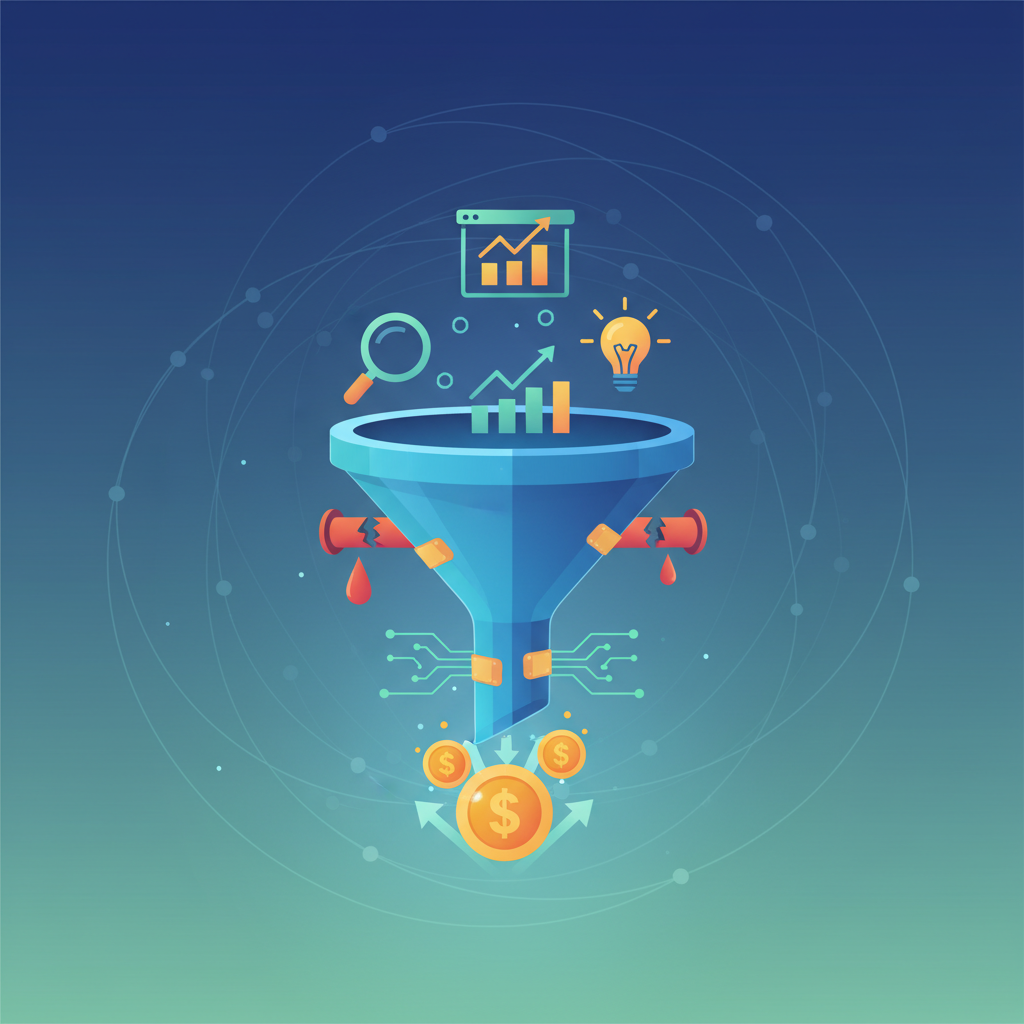
Why Your eCommerce Store Needs a CRO Audit: Identifying & Fixing Conversion Leaks
Is your eCommerce store underperforming? Seeing a steady stream of traffic, but conversions remain stubbornly low? The problem isn't always a lack of visitors; often, the issue lies in how effectively your website guides those visitors toward a purchase. In this competitive online world, conversion rate optimization (CRO) is a must-do. This guide dives into why a conversion rate optimization (CRO) audit is crucial for your eCommerce success, pinpoints common conversion leaks, and provides actionable solutions to boost your bottom line.
The Problem: Conversion Leaks and Lost Revenue
Many eCommerce businesses struggle with conversion rates that could be significantly higher. These businesses often lose potential revenue due to various factors that hinder the customer journey. These "conversion leaks" can be subtle, but they collectively prevent customers from completing purchases. The impact of these leaks is significant:
- Reduced Revenue: Lower conversion rates translate directly to lost sales and decreased revenue. Even a small improvement in your conversion rate can lead to substantial financial gains.
- Missed Opportunities: Every lost conversion represents a missed opportunity to acquire a customer and build a long-term relationship.
- Inefficient Marketing Spend: If your website isn't converting visitors, you're essentially wasting your marketing budget on traffic that doesn't translate into sales.
"I'm spending a fortune on ads, but my sales aren't increasing! What am I doing wrong?" - A frustrated eCommerce store owner, Reddit.
Sound familiar?
Why This Happens: Common Causes of Conversion Leaks
Several factors contribute to conversion leaks. Understanding these common culprits is the first step toward fixing them.
- Poor Website Design and User Experience (UX): A poorly designed website can frustrate visitors and drive them away. This includes:
- Slow loading times: Slow websites lead to higher bounce rates. Research indicates that 47% of consumers expect a web page to load in 2 seconds or less Portent.
- Unintuitive navigation: Customers should easily find what they are looking for.
- Poor mobile optimization: With mobile commerce on the rise, a non-responsive website can be a major conversion killer.
- Cluttered design: Too much information can overwhelm users.
- Weak Value Proposition: If your website doesn't clearly communicate the value of your products or services, visitors won't convert.
- Lack of clear messaging: Your value proposition should be concise and compelling.
- Unclear product descriptions: Customers need detailed information to make informed decisions.
- Missing or weak calls to action (CTAs): Guide visitors toward the desired action (e.g., "Add to Cart," "Buy Now").
- Checkout Process Issues: A cumbersome checkout process is a significant source of cart abandonment.
- Unexpected shipping costs: Hidden fees can shock customers at the last moment.
- Lack of payment options: Not offering preferred payment methods can deter purchases.
- Required account creation: Forcing account creation can be a barrier for some customers. According to the Baymard Institute, 24% of US online shoppers abandoned their order because the website wanted them to create an account Baymard Institute..
- Lack of Trust Signals: Building trust is vital for eCommerce success. Without it, customers hesitate to make a purchase.
- Missing security badges: Displaying trust badges (e.g., SSL certificates) reassures customers.
- Lack of customer reviews: Social proof influences purchase decisions.
- Poorly designed product pages: Pages that lack information or look unprofessional can erode trust.
- Ineffective A/B Testing: Not testing and optimizing your website is a missed opportunity.
- No testing strategy: Without a plan, you can't improve your conversion rates.
- Testing the wrong elements: You need to focus on the elements that matter most.
- Not analyzing results: Data is crucial to understand what works.
Quick Fix: Conduct a Basic Website Audit
Before diving into complex solutions, perform a basic website audit to identify glaring issues. This can be as simple as:
- Checking Website Speed: Use tools like Google PageSpeed Insights (https://pagespeed.web.dev/) to identify areas for improvement. A slow website will drive people away.
- Reviewing Your Homepage: Is your value proposition clear? Are your CTAs prominent? Can visitors easily find what they're looking for?
- Testing Your Checkout Process: Go through the checkout process yourself. Are there any friction points? Is it easy to complete the purchase?
- Checking Mobile Responsiveness: Use a mobile-friendly testing tool to ensure your website looks and functions well on mobile devices. Google's Mobile-Friendly Test (https://search.google.com/test/mobile-friendly) is a good place to start.
Detailed Solutions: How to Plug Those Leaks
Once you've identified the conversion leaks, it's time to implement solutions. Here's a breakdown of how to address the common causes:
- Improve Website Design and UX:
- Optimize page speed: Compress images, use browser caching, and use a content delivery network (CDN).
- Simplify navigation: Make it easy for visitors to find what they need. Use clear labels and a logical site structure.
- Prioritize mobile optimization: Ensure your website is fully responsive and provides a seamless mobile experience.
- Declutter your design: Use whitespace effectively and avoid overwhelming visitors with too much information.
- Strengthen Your Value Proposition:
- Craft a clear and concise message: Communicate the benefits of your product or service in a few impactful sentences.
- Provide detailed product descriptions: Include high-quality images, videos, and specifications.
- Use compelling CTAs: Make your CTAs stand out and encourage action.
- Focus on the benefits, not just features: Explain how your product solves the customer's problems.
- Streamline Your Checkout Process:
- Be transparent about costs: Clearly display shipping costs and any other fees upfront.
- Offer multiple payment options: Support popular payment gateways and methods.
- Allow guest checkout: Don't force customers to create an account.
- Minimize the number of steps: Reduce friction in the checkout process.
- Build Trust Signals:
- Display security badges: Show that your website is secure and protects customer data.
- Showcase customer reviews and testimonials: Use social proof to build confidence.
- Create professional product pages: Use high-quality images, detailed descriptions, and clear CTAs.
- Offer a clear return policy: Build customer trust with a transparent return policy.
- Implement A/B Testing:
- Develop a testing strategy: Prioritize the elements you want to test and set clear goals.
- Use A/B testing tools: Utilize tools to test different versions of your website elements.
- Analyze your results: Track your data and make data-driven decisions. What works, what doesn't?
"I've been running my online store for years, and I'm still learning new things every day. CRO is definitely one of them." - A Reddit user, sharing their experience.
Tools That Help: Level Up Your CRO Efforts
Several tools can significantly improve your CRO efforts. Here are some of the best:
- CRO Benchmark: CRO Benchmark is an AI-driven conversion optimization audit that analyzes 250+ criteria across your eCommerce store. It uncovers your biggest conversion leaks and delivers prioritized fixes, tailored A/B testing ideas, and a clear CRO Index Score from 0–100. Key features include:
- Automated website audits
- Prioritized recommendations
- A/B testing ideas
- Performance benchmarking
- Google Analytics: Essential for tracking website traffic, user behavior, and conversion rates. Use it to identify areas for improvement.
- Hotjar: Provides heatmaps, session recordings, and surveys to understand user behavior and identify friction points.
- Crazy Egg: Another tool for heatmaps, scroll maps, and other visual data.
- A/B Testing Tools (e.g., Optimizely, VWO): Allow you to test different versions of your website elements and track their performance.
Prevention Tips: Long-Term CRO Success
CRO is not a one-time fix. It's an ongoing process. Implementing these prevention tips will help you maintain high conversion rates over time:
- Regularly Analyze Your Data: Continuously monitor your website data to identify trends and areas for improvement.
- Conduct User Research: Understand your target audience's needs and preferences through surveys, interviews, and usability testing.
- Prioritize Mobile Optimization: Ensure your website is always optimized for mobile devices.
- Stay Up-to-Date: Keep up with the latest CRO best practices and trends.
- Test, Test, Test: A/B testing is crucial for continuous improvement. Experiment with different elements on your website to identify what resonates best with your audience.
Comparison Table: Key Features of Leading CRO Tools
| Feature | Google Analytics | Hotjar | CRO Benchmark |
|---|---|---|---|
| Data Analytics | Yes | Yes | Yes |
| Heatmaps | No | Yes | Yes |
| Session Recording | No | Yes | No |
| A/B Testing | No | No | Yes |
| Audit Feature | No | No | Yes |
FAQs: Your Conversion Optimization Questions Answered
- What is a good conversion rate? A good conversion rate varies by industry and product type. However, a rate of 2% is considered average, and anything above 3% is generally considered good. Benchmarking your performance against competitors is key.
- How often should I conduct an A/B test? Test frequently! The more you test, the more data you collect, and the faster you can optimize your website.
- How can I prioritize my CRO efforts? Start by identifying the areas of your website that have the most impact on conversion rates. Focus on fixing the most significant issues first.
- What is the best CRO tool? The best tool depends on your specific needs. However, tools like CRO Benchmark, Google Analytics, and Hotjar are essential.
- How long does it take to see results from CRO? The time it takes to see results varies. However, many businesses see improvements within a few weeks or months. Consistent testing and optimization are key.
Actionable Takeaways:
- Conduct a CRO Audit: Identify and address conversion leaks on your website.
- Prioritize UX and Design: Ensure a user-friendly and visually appealing website.
- Optimize Your Checkout: Streamline the checkout process and build trust with customers.
- Implement A/B Testing: Continuously test and optimize your website elements.
- Use the Right Tools: Leverage tools like CRO Benchmark, Google Analytics, and Hotjar to improve your CRO efforts.
By taking these steps, you can significantly improve your eCommerce store's conversion rates, increase revenue, and build a loyal customer base. Ultimately, CRO is an ongoing process—a commitment to continuous improvement that will pay dividends in the long run.